Sometimes you want to copy a DVD-9 disc but not reduce it's quality by compressing it. In that case all you can do is split the DVD-9 and create two DVD-5 disc each containing the half movie. Let's see how to do that!
Note: This guide uses the old version of DVD Shrink, using it with the new one is just the same and you will have no trouble.

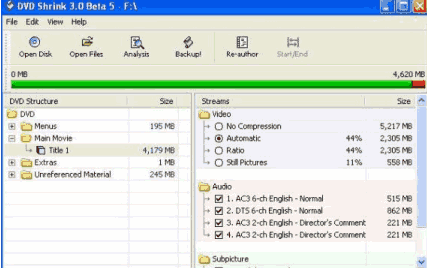 |
Start DVD Shrink, load the disc and select the main movie. |

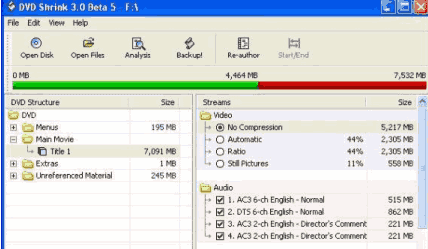 |
Select No Compression. |

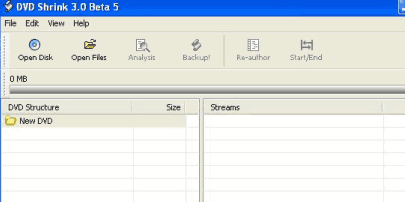 |
Select Re-Author. A new window opens. |

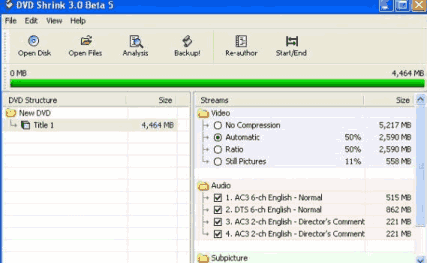 |
Drag main movie titleset from the first window to this new one. |

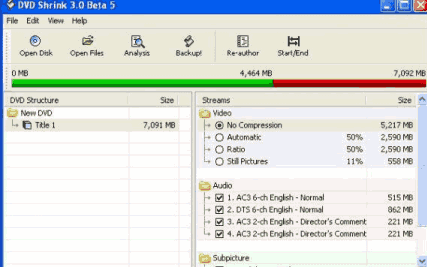 |
Select No Compression and then click Start / End. |

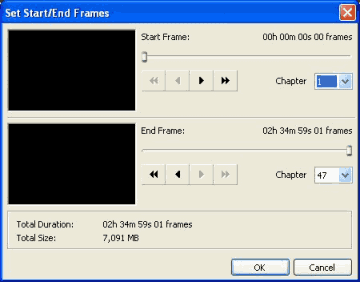 |
In End Frame you are going to select where you want it to split. |

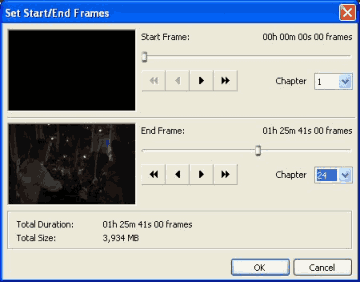 |
Here I selected Chapter End at 24 instead of original 47. Then select OK to get the first disc. |

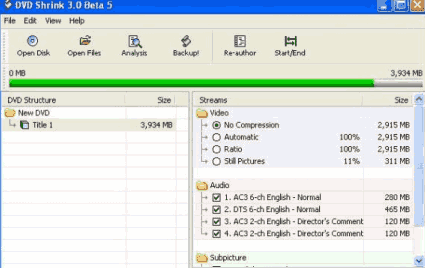 |
It should look like this. Select Backup! to save the first disc. |

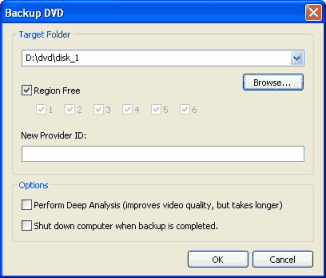 |
Under Target Folder select where you want to save first disc. |

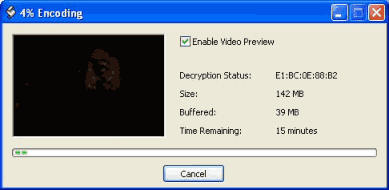 |
Wait for the encoding to finish. Then you have the first disc of the 2 disc set. |

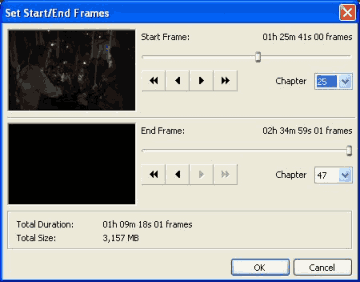 |
Take the same steps for the second disc till you get here. Start frame will be the next chapter after the one you ended with in step 6. Proceed same as before. |

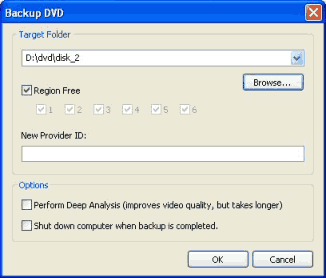 |
Select another
folder for disc 2 of the split movie
Note that I made a folder on my hard drive called dvd and 2 sub folders in it called disk_1 and disk_2 you can call them whatever you like. I did this to keep down confusion on my part. The encoding window comes up again. When it is finished encoding the split set is in each folder you selected and ready to burn any way you like. I personally use copytodvd by vso or Nero by Ahead. . |
Copyright (this guide & pictures) © 2004 whompus